
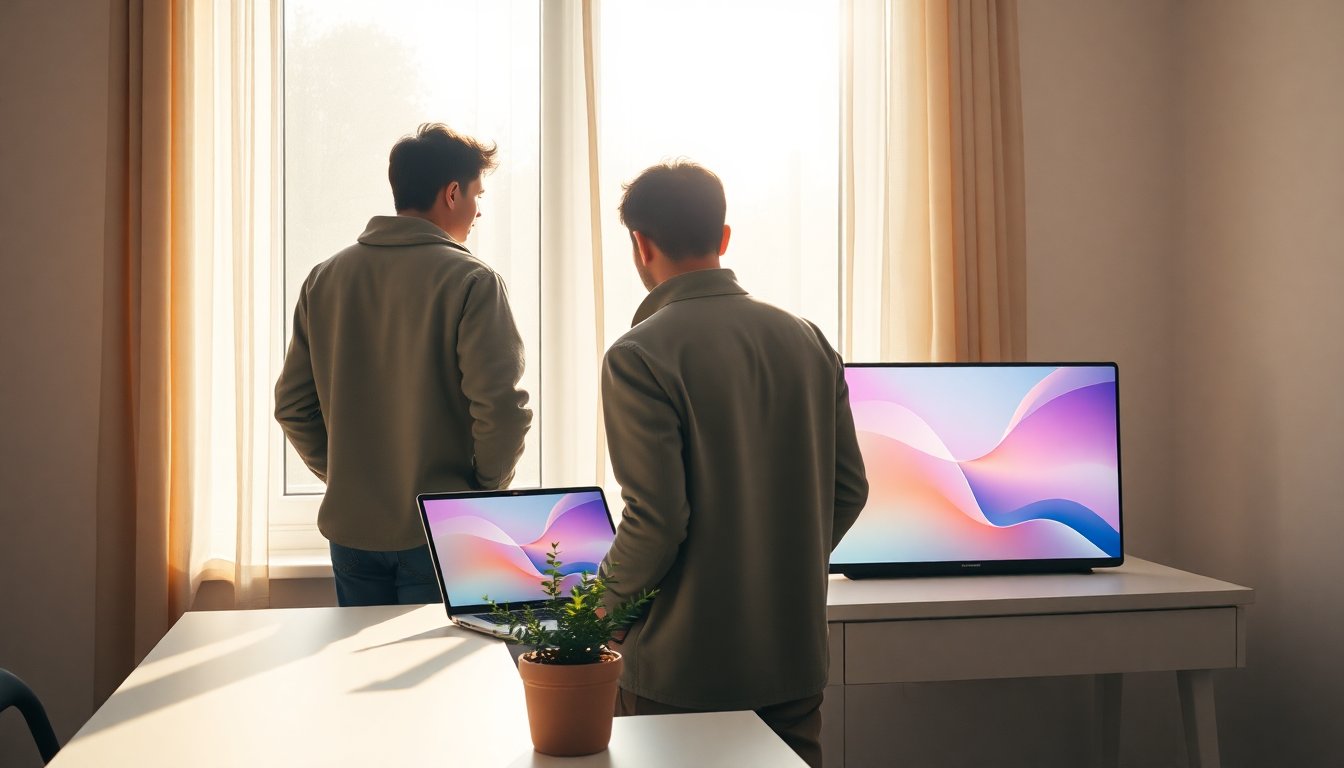
May often sits between seasons, carrying hints of warmth while still holding onto spring’s restraint, and this collection of free, downloadable backgrounds taps into that mood. Curated for screens of all sizes, the set released by The Everygirl offers a range of styles meant to complement both workday focus and weekend calm. Published 27/04/2026 22:51, the pack is intended to be simple to use: you can preview the designs, choose a resolution, and save the file to your device in moments. The gallery is built to be practical and pretty, so the act of changing a background becomes a small, uplifting ritual.
The images aim to be versatile and modern, balancing color and negative space to keep icons readable and videos unobstructed. Each file comes in common sizes, including 1080p and 4K, and is suitable for laptops, desktops, tablets, and phones. For clarity, the collection includes notes on aspect ratio and recommended scaling so you can avoid awkward crops when applying a new wallpaper. Whether you want a gentle gradient, a textured illustration, or a bold geometric composition, these options are optimized to feel current without distracting from your daily tasks.
Why these backgrounds work for May
The visual language of the set was chosen to echo the peculiar in-between quality of May: colors that suggest warmth but remain airy, and patterns that feel intentional without being busy. Designers used a limited palette to ensure interface elements remain legible, and textures are applied sparingly so the background supports rather than competes with your apps. The collection intentionally blends subtlety and personality, which makes it suitable for professional screens during the day and more playful personal devices after hours. The result is a cohesive set that respects both form and function.
From a practical perspective, these images consider common usage scenarios: video calls, multitasking desktops, and lock screens where legibility matters. The files are provided with guidance on cropping and alignment to match common screen resolutions, and designers recommend using centered compositions for devices with widgets. Colors are chosen to be low-contrast where necessary so icons and text remain readable, while occasional accent hues give each option its own character. This balance is why many users will find a single image that suits multiple devices.
How to download and apply the backgrounds
For desktop and laptop
To get a wallpaper on a computer, navigate to the gallery and select the desired image resolution, then click the download link to save the file. On Windows, right-click the saved image and choose “Set as desktop background”; on macOS, open System Preferences and drop the image into the Desktop & Screen Saver pane to set it. Make sure to pick a file with the appropriate aspect ratio for your monitor to avoid stretching. If you use multiple monitors, download an image wide enough to span displays or set separate images per monitor for a curated multi-screen look.
For phones and tablets
Mobile devices typically require a different approach: tap and hold the image to save it to your camera roll, then open your device settings to apply it as a lock or home screen background. When saving, choose the highest resolution available for the best fit; many phones will let you pinch to reposition or scale the image when setting it. The collection includes guidance for both iOS and Android, and each image notes whether it works best as a centered composition or a top-aligned illustration to prevent important elements from being obscured by widgets or icons.
Ways to use these backgrounds creatively and credits
Beyond simply changing your wallpaper, these designs can help establish a seasonal theme for your workspace—try switching among backgrounds weekly to reflect mood or to coordinate with a project. You can also use the images as video call backdrops by setting them on a secondary monitor or within your conferencing app if that feature is supported. Credit for the designs goes to The Everygirl, which published the pack on 27/04/2026 22:51, and the collection is free for personal use. If you plan to reuse any artwork publicly or commercially, check the licensing notes included with each download to confirm permitted uses.
Whether you favor minimalist gradients or textured scenes, this set provides accessible options to refresh your screens without fuss. The combination of practical sizing information, clear instructions, and thoughtful aesthetics makes swapping backgrounds a quick way to change the tone of your digital environment. Explore the pack, pick a favorite, and enjoy a small seasonal update that feels intentional and effortless.


