



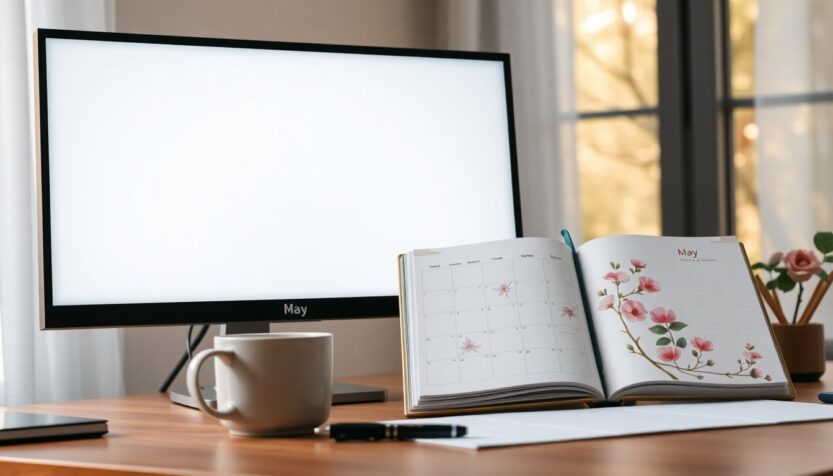
Spring-themed desktop images can change the mood of your workspace in an instant. Whether you prefer a minimalist layout or a floral motif, a well-designed desktop calendar background helps you see the month at a glance while adding personality to your screen. A desktop calendar background is simply a wallpaper that includes a dated layout or monthly overview so you can check the calendar without opening an app or printout.
Many creators publish free monthly sets—like collections for April 2026 and May 2026—that pair attractive aesthetics with practical date grids. These downloadable images are typically high resolution and formatted for common screen sizes, making them a quick way to refresh your digital environment and support your productivity rituals without any cost.
Why use a monthly desktop calendar background?
First, a monthly wallpaper acts as a constant visual anchor. Instead of switching tabs or opening a calendar app, you get a snapshot of the month every time you look at your computer. The combination of a pleasing design and an at-a-glance layout supports both focus and planning. Using a downloadable calendar background also reduces friction: you don’t need to sync apps or print planners—just set the image as your wallpaper and you have an always-visible reference.
Practical and aesthetic benefits
Beyond utility, these backgrounds can influence your mindset. Soft palettes and seasonal imagery can make your workspace feel calmer, while bold, minimalist designs can promote clarity and concentration. Many monthly collections—especially the ones labeled for May 2026—offer a range of styles from muted neutrals to playful florals, so you can choose what best complements your routine and screen layout.
Who they suit best
These wallpapers are ideal for people who appreciate subtle organizational cues: students keeping track of assignments, remote workers managing deadlines, or anyone who likes a neat, decorative workspace. If you want a hybrid approach, combine a digital calendar app for reminders with a static desktop calendar background as a visual month map that helps you orient tasks and events at a glance.
How to download and set up your background
Getting started is usually straightforward. Locate a site offering free monthly backgrounds—many creators provide direct image files and a PDF with all designs. Click the download link for the resolution closest to your screen. When the file lands in your downloads folder, right-click (or control-click on Mac) and choose the system option to “Set as desktop background” or “Set desktop picture.” The image will be applied instantly and positioned according to your display preferences.
Tips for optimal display
If your screen resolution differs from the provided file, use your display settings to “fit,” “fill,” or “center” the image to avoid stretching. For multi-monitor setups, you can assign unique backgrounds to each screen or duplicate the calendar on your primary monitor for consistency. If you prefer mobile-ready artwork, look for versions sized for phones and tablets or crop the desktop file to maintain the primary calendar area.
Where to find designs and related planning tools
Free monthly wallpaper collections often include dozens of variants to match moods and themes. In addition to standalone downloads for April 2026 and May 2026, you may find linked resources that complement desktop backgrounds—like printable planners or seasonal sticker sheets. For those who like a physical planner that spans an academic year, consider a dated planner option labeled July 2026 – June 2027: many of these come in an 8.5 x 11 format with features like unruled weekly and monthly layouts, a twin-wire binding, a flexible cover, a storage pocket, and planning stickers for quick annotations.
Combining a digital monthly wallpaper with a tactile planner gives you the best of both worlds: a fast, visible overview on your screen and a place to write detailed plans, goals, and notes. Download a few favorites, experiment with color and layout, and rotate designs monthly to keep your workspace feeling fresh and intentional.